Switzerland › Verbier
Heli-skiing in Verbier
yoursite.com/services/heli-skiing-verbier/
- From price
- CHF 1,450
- Season
- Winter
- Concierge
- +41 27 555 0142
- Heli-skiing
Status: DraftRecord ID AK-001
Pages for every service in every place
Making a page for every service in every place is a spreadsheet’s job, not an afternoon’s. Write the title, the address and the text once, with your columns as placeholders. Content Uploader fills them in for each row, shows you the page before it exists, and publishes the lot after your review.
services-by-resort.xlsx
Pick a row to preview
| Preview | ID | Service | Resort | Country | Season | From price | Concierge phone |
|---|---|---|---|---|---|---|---|
| AK-001 | Heli-skiing | Verbier | Switzerland | Winter | 1450 | +41 27 555 0142 | |
| AK-009 | Private chef | Gstaad | Switzerland | All year | 620 | +41 33 555 0187 | |
| AK-014 | Ski guide | Zermatt | Switzerland | Winter | 380 | +41 27 555 0163 | |
| AK-022 | Helicopter transfer | Courchevel | France | Winter | 980 | +33 4 79 55 0124 |
Title ← {{ Service }} in {{ Resort }}
Slug ← {{ Service }}-{{ Resort }}
Category ← Country › Resort, read as a path · Tags ← Service
Content ← a template with the Intro column · Custom fields ← Season, From price, Concierge phone
Preview · row 2
Nothing is written to your site
Switzerland › Verbier
Heli-skiing in Verbier
yoursite.com/services/heli-skiing-verbier/
Status: DraftRecord ID AK-001
An example: a fictional chalet and concierge agency, Alpine Keys, and its sheet of services by resort.
What it does for many similar pages
Content Uploader is a web service that turns the rows of a spreadsheet into pages on your WordPress or Joomla site. You build the title, the web address and the text from your columns, look at the result for any row, and publish when the review looks right. Later, the same sheet with new rows and changed cells updates those pages.
The title, the web address and the text are written once, with your columns as placeholders. Each row fills them in for its own service and place.
Templates and placeholdersThe preview shows any of the first 50 rows of your sheet as it would be published, using the same code that publishes it, and sends nothing.
Preview a recordIts own image, its categories, its custom fields and its status come from the cells of its row, so one sheet describes the whole set.
Custom fieldsEach row keeps its record ID, so a later file updates the same pages, and the review lists what is new and what changed before anything is written.
How rows are matchedThe page body
The body template is a rich text editor with your columns beside it. A placeholder is replaced by the row’s cell, so each page says its own service, its own place and its own details.
Content · Template
Written once, for every row
What to expect
{{ Intro }}
The details
Season: {{ Season }}
From CHF {{ From price }} per booking
Call the concierge on {{ Concierge phone }}
Nothing is written to your site
A small group, a mountain guide and a helicopter from the valley to the glaciers above Verbier. The morning is for fresh snow far from the lifts, and by lunch you are back at the chalet.
A placeholder inserts the cell’s value as plain text, which suits names, numbers and short paragraphs. A column that already holds finished HTML is mapped to the field directly instead. Content, excerpt and HTML bodies
Every page is one row
The sheet describes the whole set: what each page is called, where it sits, what it shows and whether it is live.
The season, the starting price and the concierge phone go into custom fields of each page, one column to one field. Values that a site stores as post meta, or as Joomla’s own fields, are listed in the editor.
Custom fieldsA column names the image: a file in a ZIP that you drop with the sheet, or a web address. A missing image never holds the page back.
Map an image columnA path such as Switzerland > Verbier becomes a category under its parent, and is created on the site when it does not exist yet.
CategoriesA status column decides for each row. A row that is not ready arrives as a draft, and a later file that says Published puts it live.
Status, dates and authorsPreview, then publish
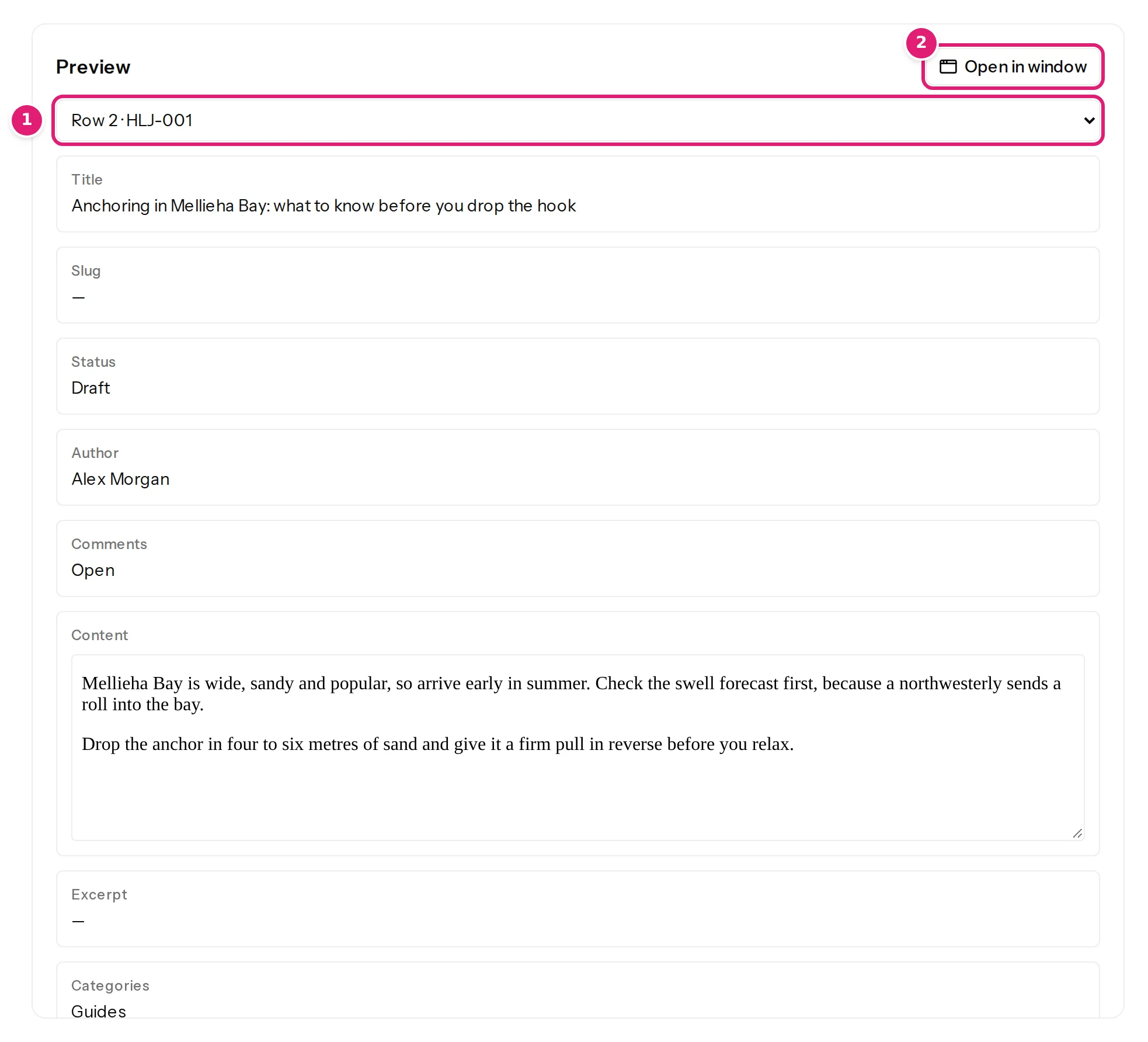
The preview is on the right of the editor. Choose any of the first 50 rows, read its title, address, categories, image and custom fields, change the mapping and watch the page change. It uses the same code that publishes, and nothing is sent to your site while you look. The picture is the Help Center’s, from an example journal about boats.
When you drop the sheet, the review lists which pages are new and which change, field by field, and one click publishes them in the background. How the preview works
Said honestly
Advice for a set of pages that should be worth visiting, and what Content Uploader does not do for you.
A page that differs from the next only by the place name adds little for a visitor or a search engine. Alpine Keys writes a paragraph for each resort in its Intro column.
An empty cell inserts nothing, so a row without an Intro would publish a body with a gap in it. The review opens each new page as it will be published: read the strangest rows before you publish.
Write Draft in the status column of a row that is not ready. It reaches the site as a draft, and a later file that says Published puts it live.
Download the sheet as .xlsx or CSV and upload the file. Nothing is read from a link, and nothing is fetched on a schedule.
A page holds what your sheet and your template say. Content Uploader adds no map, looks up no address and writes no schema markup of its own.
The same sheet for two sites needs two configurations. A configuration publishes to pages, posts or one custom post type, or to Joomla articles.
Every known limitation, for any platform.
FAQ
What people ask before they build a set of pages.
Yes. Map the slug to a template such as {{ Service }}-{{ Resort }}, and the site makes it URL-safe and unique: WordPress adds a number when it has to. A slug built from columns follows them, so if you later change a cell the page’s address changes, and Content Uploader adds no redirect of its own. To keep addresses stable, leave the slug unmapped after the first publish, or build it from columns that you never change.
Yes. Map the featured image to a column that names each row’s image: a file name that is found in a ZIP uploaded with the sheet, or a web address. A row whose image cannot be found is still published, and a missing image never removes the one a page already has.
A column the configuration does not use is harmless: it is listed as not used. When you map it, the configuration gets a new version, and the next file is compared with the new mapping, so the review lists the pages that change. The first file after any change waits for your confirmation, even when the configuration publishes by itself.
Yes. Map a status column and write Draft or Published in each row: the cell may hold the label or its key, in any case. A new page whose row has no status arrives as a draft on WordPress. Pages that the file marks Published go live when you publish the file.
No. Content Uploader reads files that you upload. In Google Sheets, choose File, Download, and pick Microsoft Excel (.xlsx) or Comma Separated Values (.csv), then upload the downloaded file.
A file may have up to 10,000 rows, and each row is one page. A row that has a mistake is reported with its row number and the rest of the file goes on.
Create a workspace, connect your site and drop your sheet. The review shows every page that would be created before any of them exists.
The template and the HTML around it are shown step by step in the tutorial Publish formatted text: HTML bodies and body templates, with its example file 13-template-body.csv.
The same sheet becomes pages, posts or a custom post type on WordPress and articles on Joomla. Keeping listings with prices and availability up to date? Listings and directories.