Can I use Content Uploader on a phone or tablet?
Yes, for reading a review, publishing and checking results: on a small screen the menu folds behind a button and the pages use one column. Setting up is easier on a computer.
- 1 min read
- Updated October 13, 2026
Yes. The pages adapt to a small screen: the menu on the left folds away behind a button at the top, and the review, the lists and the buttons stack in one column. You can open a file's review on a phone, read what will change, and use Publish or Retry safely there, for example to approve the file a colleague uploaded.
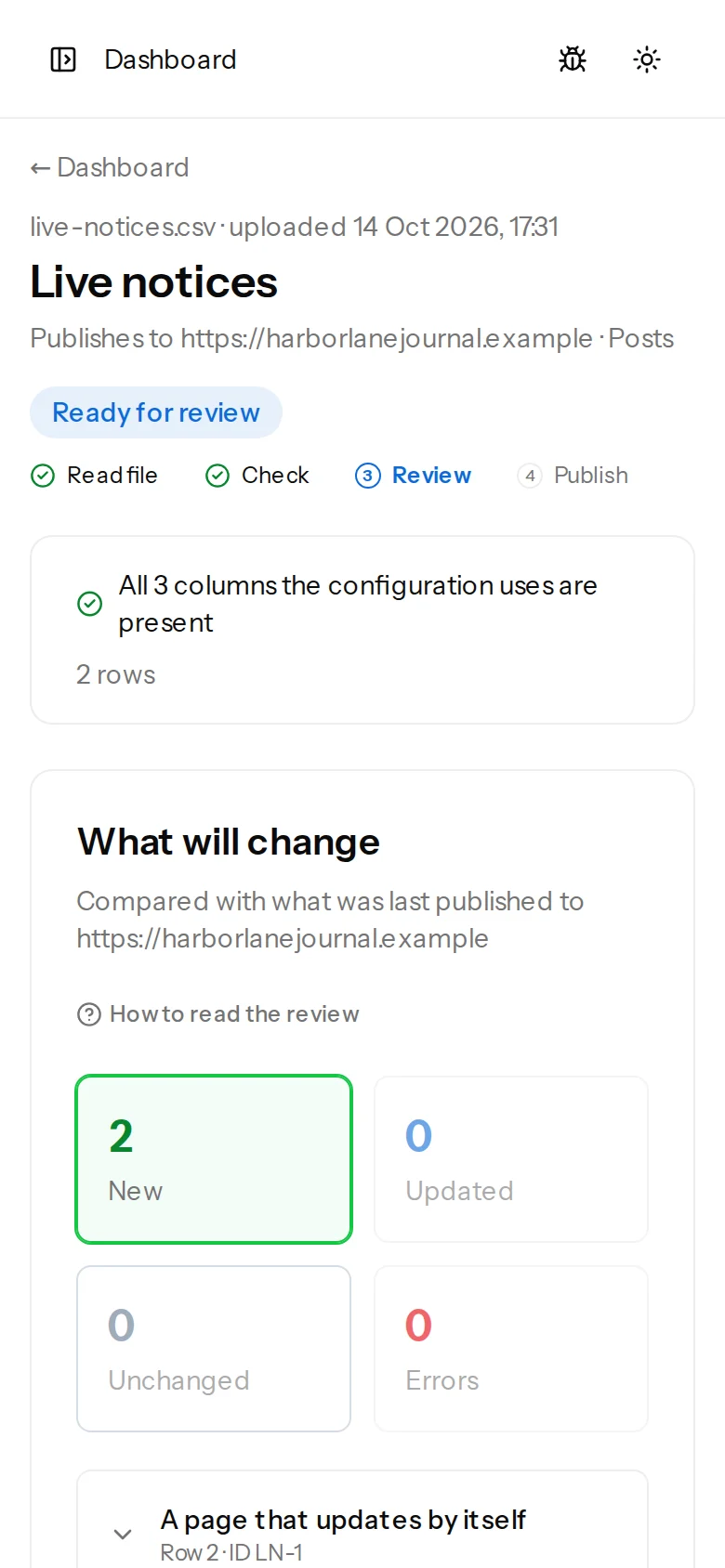
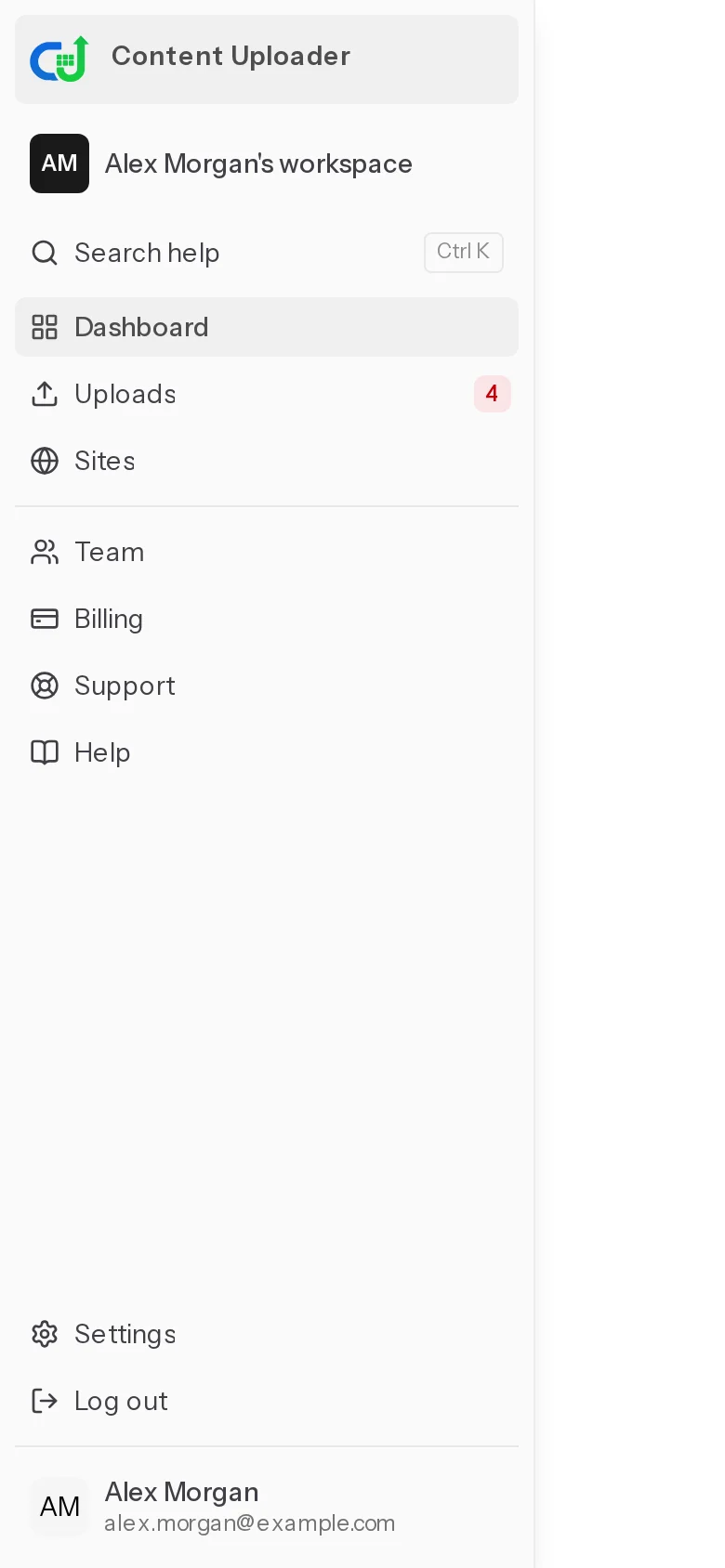
The button at the top left opens the menu with Dashboard, Uploads, Sites, Team, Billing, Support and Help:
Two things are easier on a computer. Creating or editing a configuration shows many fields and a live preview side by side. And a spreadsheet is usually on the computer you made it on: on a phone the drop area becomes the phone's file chooser, so the file has to be somewhere the phone can reach.
Was this article helpful?
Related articles
- Getting startedUnderstanding the dashboardA tour of the dashboard, the sidebar and the badges: where your configurations, uploads and sites are, and what each marker means.
- Reviewing and publishingHow the review worksAfter a file is checked, the review shows what will be created, updated, left alone or skipped before anything is sent to your site. How to read each part of the page.
- Importing dataUpload the next fileDrop this week's spreadsheet on its configuration's card, follow the check and publish: how uploads work, adding a ZIP of images, who is emailed and what uploading twice does.