Emails about your files: which, when and to whom
The emails Content Uploader sends about an upload (ready for review, published, finished with errors, up to date), who receives each, and how to switch them off.
- 4 min read
- Updated October 13, 2026
Uploading, checking and publishing take time, so Content Uploader emails you when something needs you or is finished. You never have to watch the page.
The emails#
The subject always starts with the configuration's name, then the file's name: Weekly articles: 01-first-import.csv is ready for review.
| Ending of the subject | When it is sent | What it says | Button |
|---|---|---|---|
| … is ready for review | The file was read and compared, and waits for a person: the normal review, or a file that automatic publishing did not publish. | The counts (8 new · 0 updated · 0 unchanged · 0 with errors.), anything that needs your attention, and, when an image could not be used, how many and the first three. | Review and publish |
| … does not match the configuration | Columns the configuration uses are missing. | Missing columns: Title, Body. | Update the mapping |
| … could not be processed | The file could not be read or checked. | The reason, as shown on the upload page (the file cannot be read). | Open the upload |
| … is up to date | Nothing needed publishing. | Nothing needed publishing: all 10 items already match the destination. | Open the upload |
| … was published | Publishing finished with every item written. | 8 items published. (or … published automatically.), the number of changes left for later when the allowance was short, and missing images. | Open the upload |
| … finished with errors | Publishing finished, but some items failed. | The same, plus 2 items failed. Open the upload to see why and retry them safely. | Open the upload |
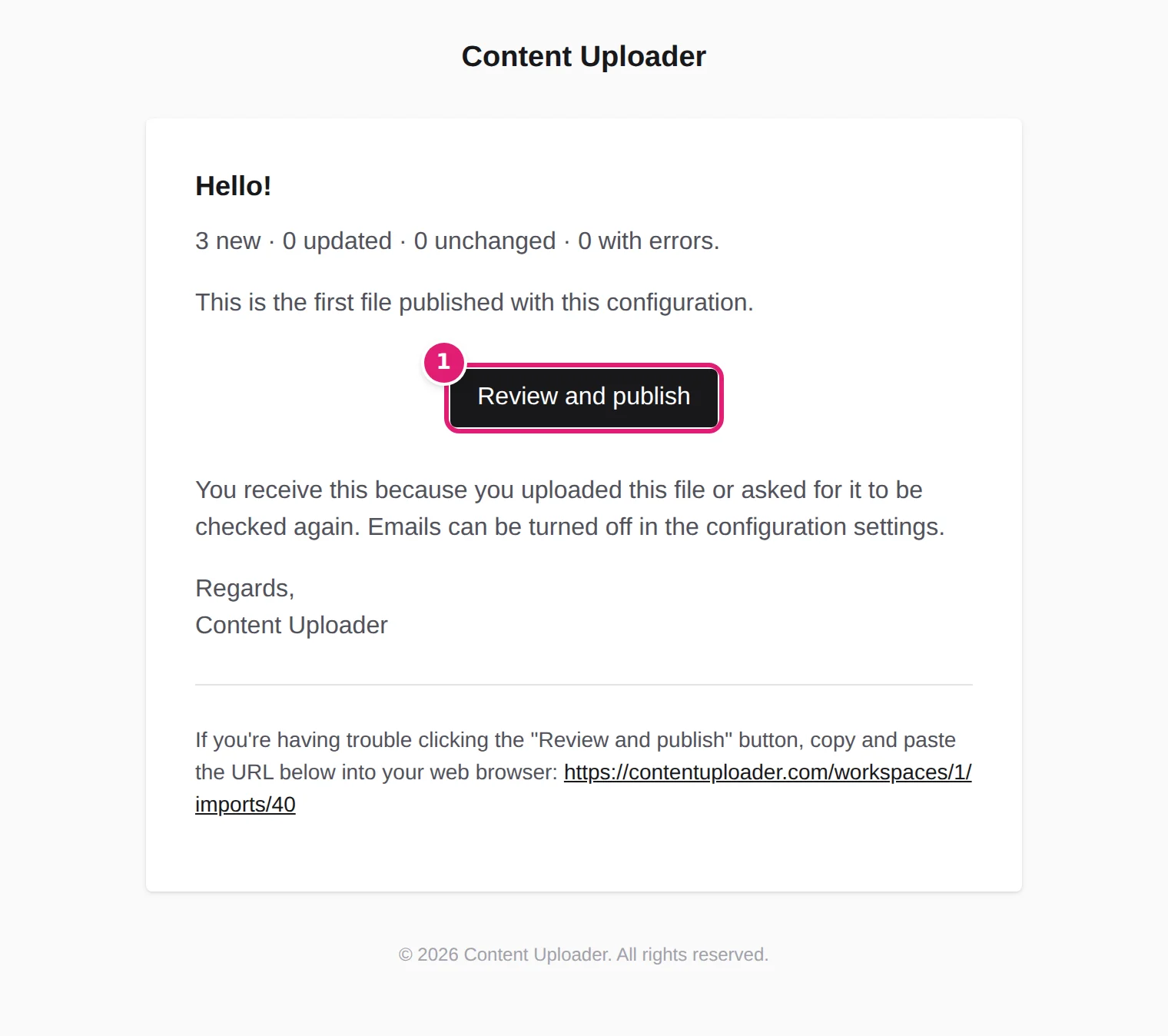
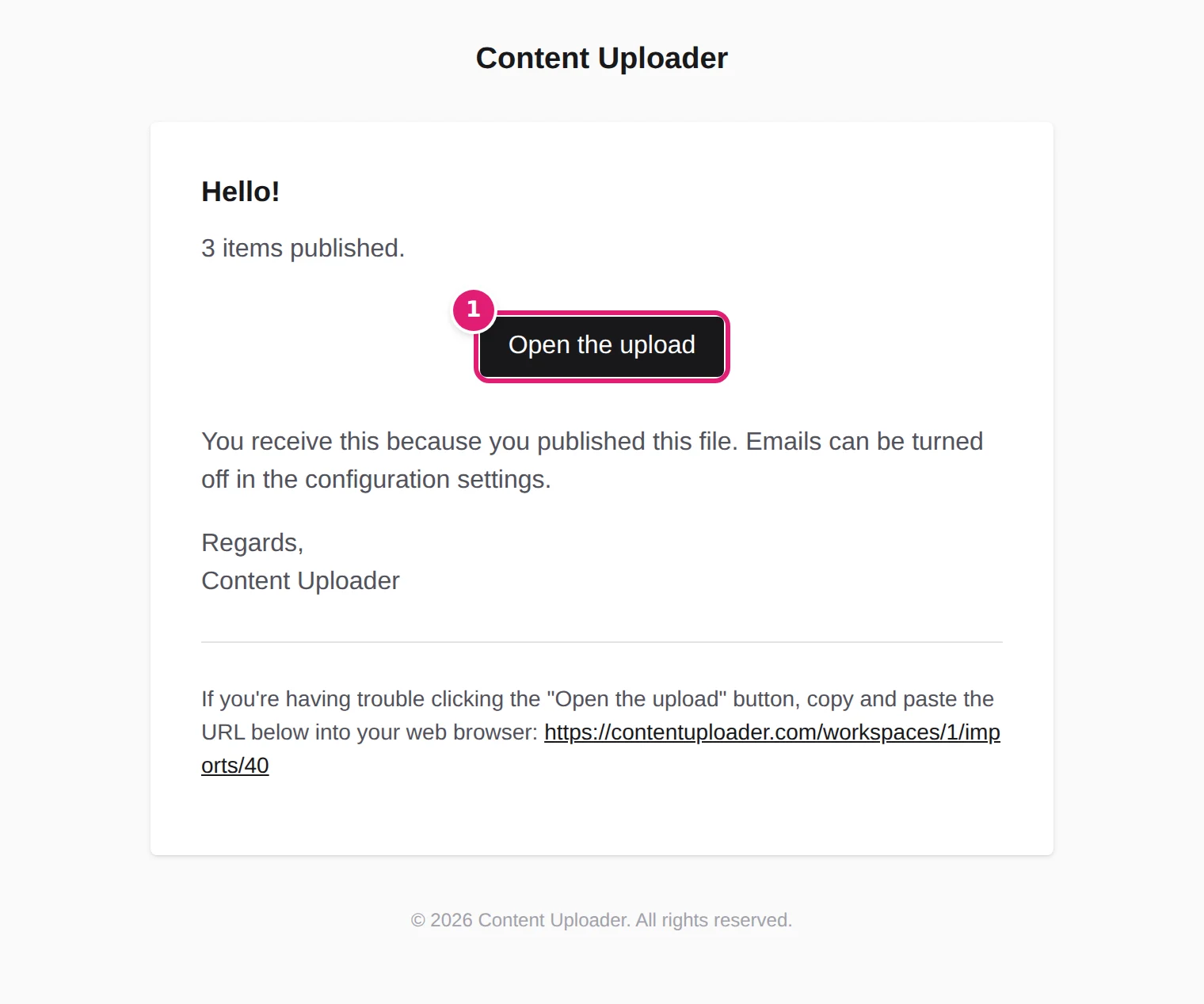
The last line says why you receive it, for example You receive this because you uploaded this file or asked for it to be checked again. or You receive this because you published this file. and that emails can be turned off in the configuration settings. The button opens the upload's page; you sign in if you are not already.
Who receives them#
Each email goes only to the person whose action it follows, not to the whole team:
- The check's outcome (ready for review, does not match, could not be processed, up to date) goes to the person who uploaded the file, or who asked for it to be checked again or read again, the last time.
- The publishing result (was published, finished with errors) goes to the person who pressed Publish. When the file was published automatically, nobody pressed it, so it goes to the person who uploaded the file (automatic publishing).
Someone who left the workspace, or a team member whose access to that file's site was withdrawn, no longer receives anything about it (team members). Emails are sent to the address of the account; they are not copied to anyone else.
Switch them off#
The emails are controlled per configuration. Open the configuration, find When a new file is uploaded, and untick Send emails when a file is ready for review, needs attention or has been published, then Save changes. The run page still says whether you will be emailed (You can leave this page; we'll email you when it needs you or is done., or … processing continues in the background.).
Without emails, the sidebar still shows a number beside Uploads for files that wait for you, and the Dashboard lists them (dashboard tour).
If an email does not arrive#
- Look in the spam folder and mark Content Uploader as safe. The sender address is the one on your account's other emails.
- Check that the configuration has the emails switched on.
- Remember who receives which: a colleague's upload sends the ready for review email to the colleague, not to you.
- The upload page has the same information as the email and is always correct.
If emails from Content Uploader never reach you, including the verification email, write to support.
Other emails you may receive#
These are not about files, and they are not switched off in a configuration:
- Sign-in and account: the verification email, a password reset, confirming a social sign-in (password and sign-in).
- Team: an invitation to a workspace (team members).
- Sites: a reminder that a site's access ends soon, or that it has ended (renew or reconnect).
- Billing: receipts and invoices from the payment provider (billing and invoices).
- Your data: The export of your data is ready (what Content Uploader keeps).
- The workspace: a notice when it was suspended or released, with a reference to quote (workspaces).
Was this article helpful?
Related articles
- Importing dataReview first or publish automaticallyChoose whether a new file waits for your one-click review or is published at once when nothing needs attention, when automatic publishing still waits, and who gets the emails.
- Reviewing and publishingAutomatic publishing: when a file is published without youWhat automatic publishing does, the exact conditions for a file to be published on its own, why the first file always waits, and how to turn it on or off.
- Reviewing and publishingPublishing results: what happened to each itemThe Publishing results list on the Sites page: one result per item with its status, its ID on your site, the attempts, the error or warning, and what each status means.
- Importing dataThe Uploads page and what each status meansThe list of every file you uploaded, filtered by configuration, with its status (Reading file to Needs attention), its counts and its date, and what each status means.