Publishing to Joomla: categories, aliases, status and checked-out articles
The rules particular to Joomla: one required category, how categories and tags are matched, unique aliases, status and workflows, articles being edited, and image storage.
- Joomla
- 5 min read
- Updated October 14, 2026
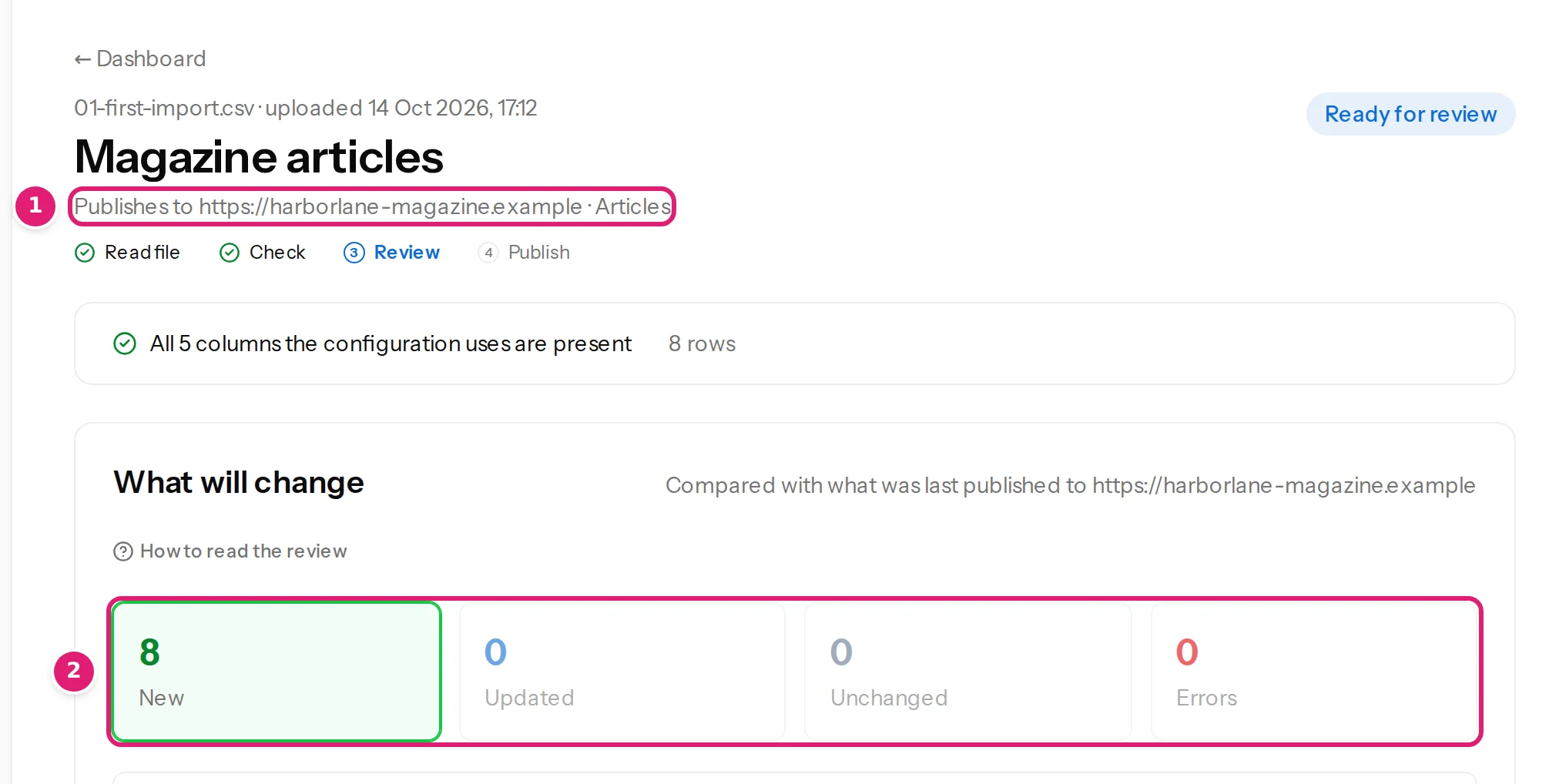
Content Uploader uses the same upload, mapping, review and publishing flow for every platform. These are the places where Joomla's own rules show through.
One category, and it is required#
A Joomla article has exactly one category. The configuration therefore has to set it, from a column or as a fixed value: a configuration without a category cannot be saved, and a row without one is a row error. Content Uploader never assumes Joomla's Uncategorised category, because it can be renamed or deleted. (A WordPress post may have several categories; see WordPress and Joomla compared.)
Moving an article to a different category by changing the cell is possible if the publishing account may create articles in the new category.
How categories and tags are matched#
Each level of a path such as Destinations > Malta > Gozo is looked up under the level before it (the first level under the root of Joomla's article categories):
- A level matches a category or tag whose title equals the value, ignoring upper and lower case and surrounding spaces. If none does, one whose alias equals it.
- Only article categories count. Published, unpublished and archived ones match; trashed ones do not.
- Language is ignored.
Levels that do not exist are created, parent first, as published categories (or tags) with language All and the site's default access level, through Joomla's own models, so that category trees, permissions and assets stay consistent. This only happens when the configuration has Add new categories to the site when they don't exist yet ticked and the publishing account may create them. The review lists what will be created before you approve (how the review works).
Tags can be nested in Joomla, so tags are mapped with the same controls as categories (a path such as Boats > Sailing, or a parent column). A new tag whose alias is already used by a tag elsewhere gets a number, for example red-2, because Joomla requires tag aliases to be unique among all tags.
Two situations are refused with a row error instead of being guessed:
- More than one match. Joomla allows several categories or tags with the same title under one parent. A row that names one of them fails with Category: “…” matches more than one term with the same name under the same parent on the site. Rename one of them on the site, then check the file again. Content Uploader never picks one.
- Only a trashed match. Category: “…” is in the site's trash. Restore it, or delete it permanently on the site, then check the file again. A new category with the same alias would clash with the trashed one.
If the account may not create categories or tags and the configuration does not add new ones, rows that need a missing one are skipped with the missing path named. Categories and tags cover this for every platform.
Aliases#
Joomla requires an article's alias to be unique within its category, trashed articles included.
- No alias mapped, or an empty cell: the alias is made from the title, for a new article and, when the cell is empty, for an existing one too: an alias the article already had is replaced by one made from the title. When that alias is taken a number is added (
my-title-2), as Joomla's article form does. What else an empty cell does is in empty cells and clearing. - An alias mapped and already used by another article in the category: the article fails when it is published, and nothing about it is written. The result on Sites reads The connector rejected or could not complete this operation (HTTP 422). Make the alias unique, or remove the Alias mapping for these rows, then check the file again. The review does not detect alias clashes beforehand.
Status, featured and workflows#
- Status has three values: Published, Unpublished and Archived. New articles default to Unpublished. A cell may use the label or the key; other text is a row error. Setting Published or Archived, Featured, and the publishing dates needs the account to have Edit State permission; without it only Unpublished is offered, and a Published cell is a check error rather than a failure after approval.
- If workflows are switched on for articles, Joomla refuses any save that changes the state or the featured flag outside a workflow transition. Content Uploader then does not offer Status or Featured, and new articles start in the workflow's default stage. Workflow transitions are not available. Switching workflows on or off changes what the site offers, which Content Uploader treats like any other change of the site's fields: use Refresh fields and check the file again.
Articles that someone is editing#
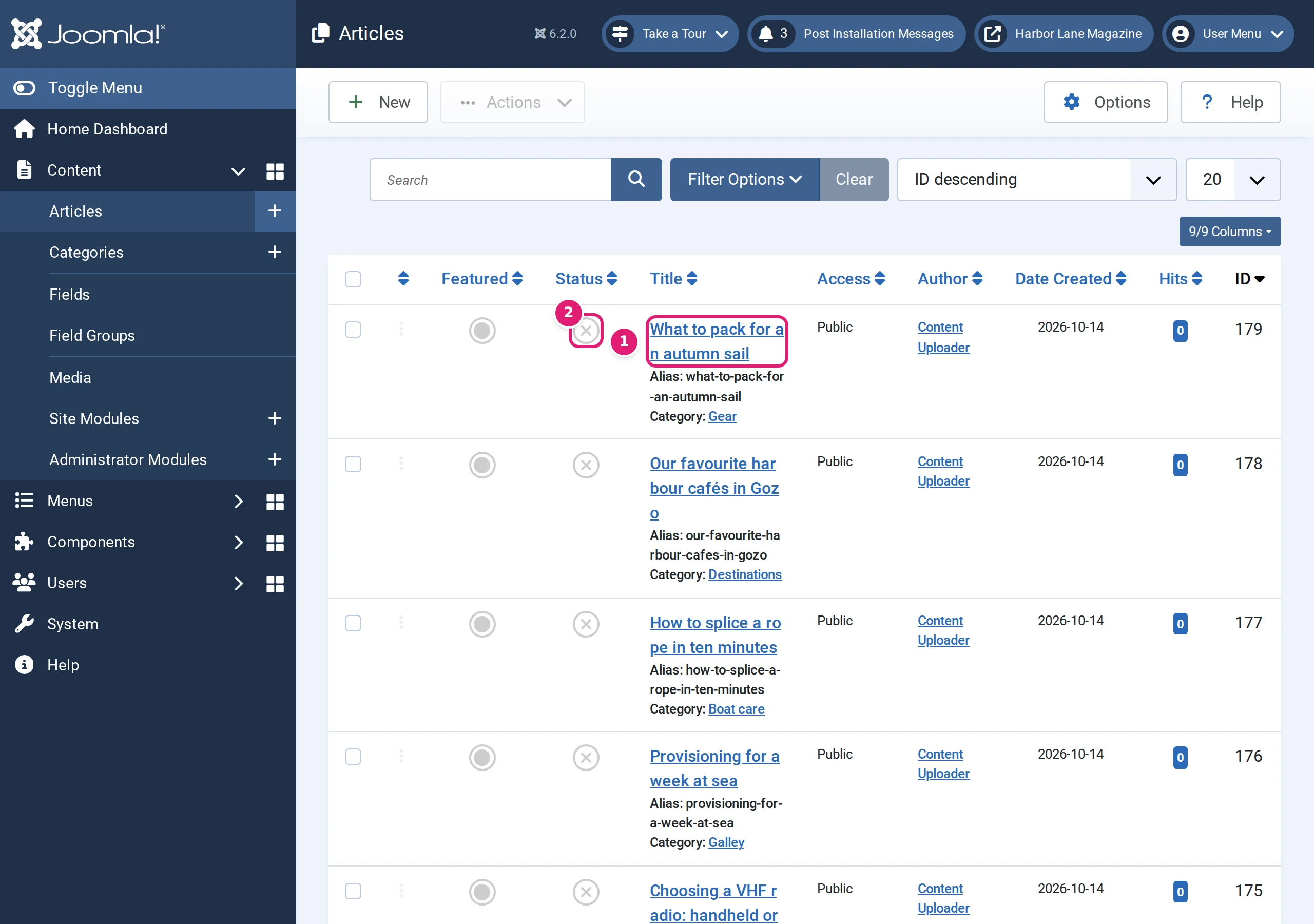
An article that another user has checked out in Joomla is not written. The review lists it as skipped, with the reason Being edited on the destination, so it is left as it is. A later upload updates it once it is closed there. After the person closes (checks in) the article, the next upload updates it. A forgotten check-out can be released with Joomla's System → Global Check-in.
If an article is in the trash, it is skipped as well: In the destination's trash. Restore it or delete it permanently, then check the file again.
Content history, the author and "Modified by"#
Content Uploader saves through Joomla's own article model, so content plugins, content history, tags, custom fields, Smart Search and the cache behave as when an editor saves. Each save appears in the article's Versions with the note Content Uploader, and Modified by is the publishing account. Because the account is the author of new articles (unless Created by is mapped, which needs more permission), consider naming it clearly, such as Content Uploader.
Images#
Images are stored in the site's images folder as images/content-uploader/<year>/<month>/<name>-<8 characters of the file's hash>.<ext>. File names are made safe, an existing file is never overwritten, and the same image is delivered once and reused. A cell can also name an image that is already in the site's images folder, by path (images/products/p12.jpg, or products/p12.jpg relative to the images folder) or by file name. Where images come from has the rules. Joomla stores alt text and a caption on the article, not on the image, and images have no title.
Offline mode, languages and multilingual sites#
Joomla's API ignores the site's offline mode, so publishing continues while the site is offline for visitors. Language is matched as All for new categories and tags; language associations between translated articles and language-specific custom fields are not supported.
Time zones#
A date without a time zone is read in the publishing account's time zone, or in the site's time zone when the account has none, and stored by Joomla as UTC, as in the article form. Include an offset (2026-09-27 13:45:00+02:00) when you want to be certain.
Was this article helpful?
Related articles
- JoomlaJoomla article fields you can mapEvery field Content Uploader can write on a Joomla article: text, status, dates, access, language, metadata, article options, links, category, tags, images, custom fields.
- JoomlaThe Joomla publishing account and its permissionsContent Uploader publishes to Joomla as one account you choose: which to pick, the permissions it needs for articles, terms, custom fields, authors and images.
- Mapping columnsCategories: columns, paths and parent categoriesMap categories from a column, a path such as Destinations > Malta > Gozo or a parent column; how missing categories are created, and Joomla's one-category rule.
- TroubleshootingCategories or tags are wrong, missing or duplicatedWhat to do when categories show a > in their name, tags are glued together, near-identical categories appear, items are skipped or tags disappear from an item.